Turn 3 hours into 10 minutes
Skip the hours of manual editing. Film yourself playing, with one camera or a few, and FlowChord picks out the chords and the lyrics automatically. You fine-tune what you want, then export.
Have an invite code?


Straight out of FlowChord, fine-tuned in the editor.
FlowChord picked out the chords and the lyrics; they were then fine-tuned right on the timeline before exporting. Everything you see was made in FlowChord, in the browser.
- Work out the chords by ear
- Draw every chord diagram
- Keyframe every change to the beat
- Render, check the sync, render again
- Upload your clips
- Check the chords
- Pick a look
- Export the MP4
Typical for a 3-minute song. Often the chords come out right and there is nothing to fix.
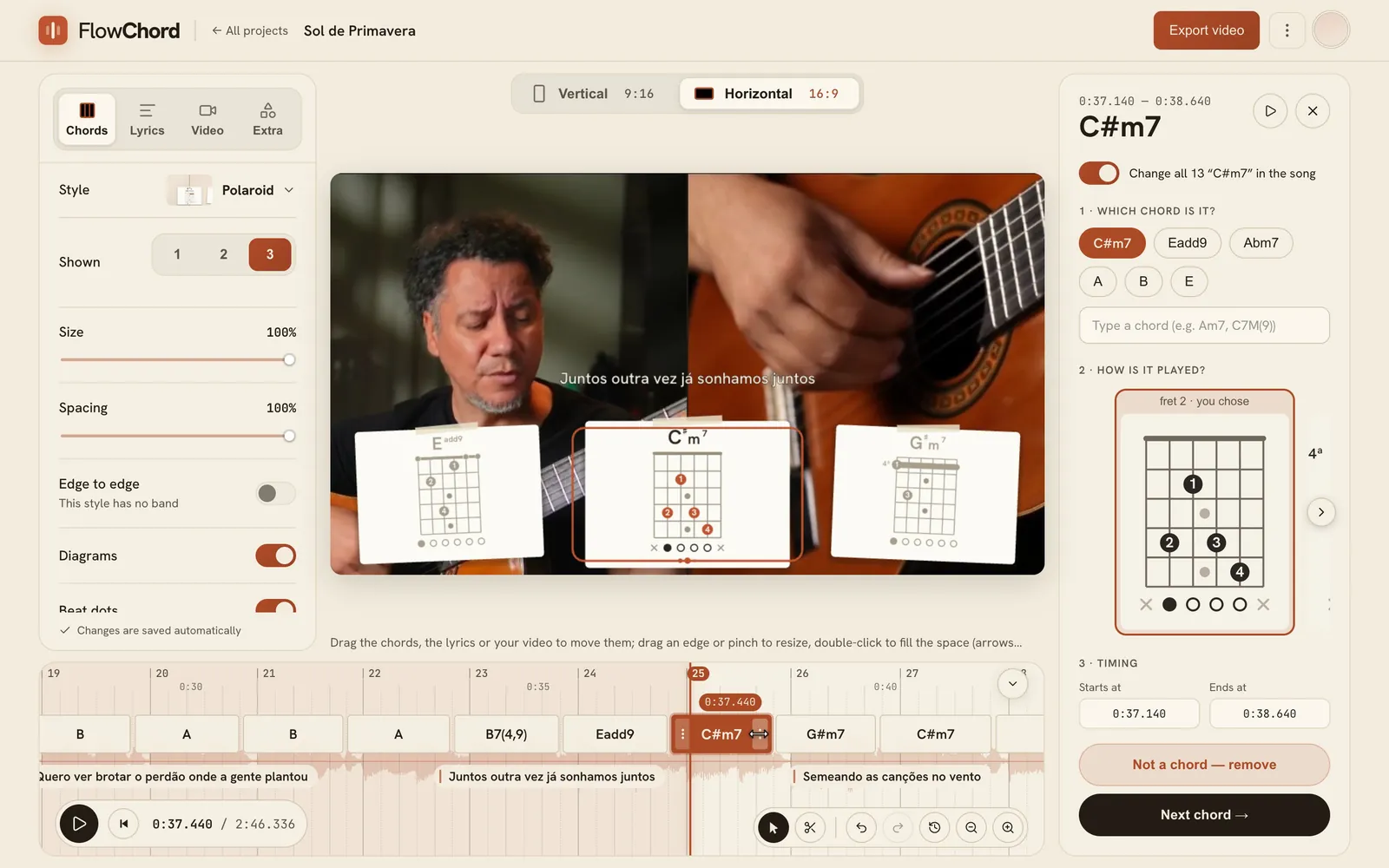
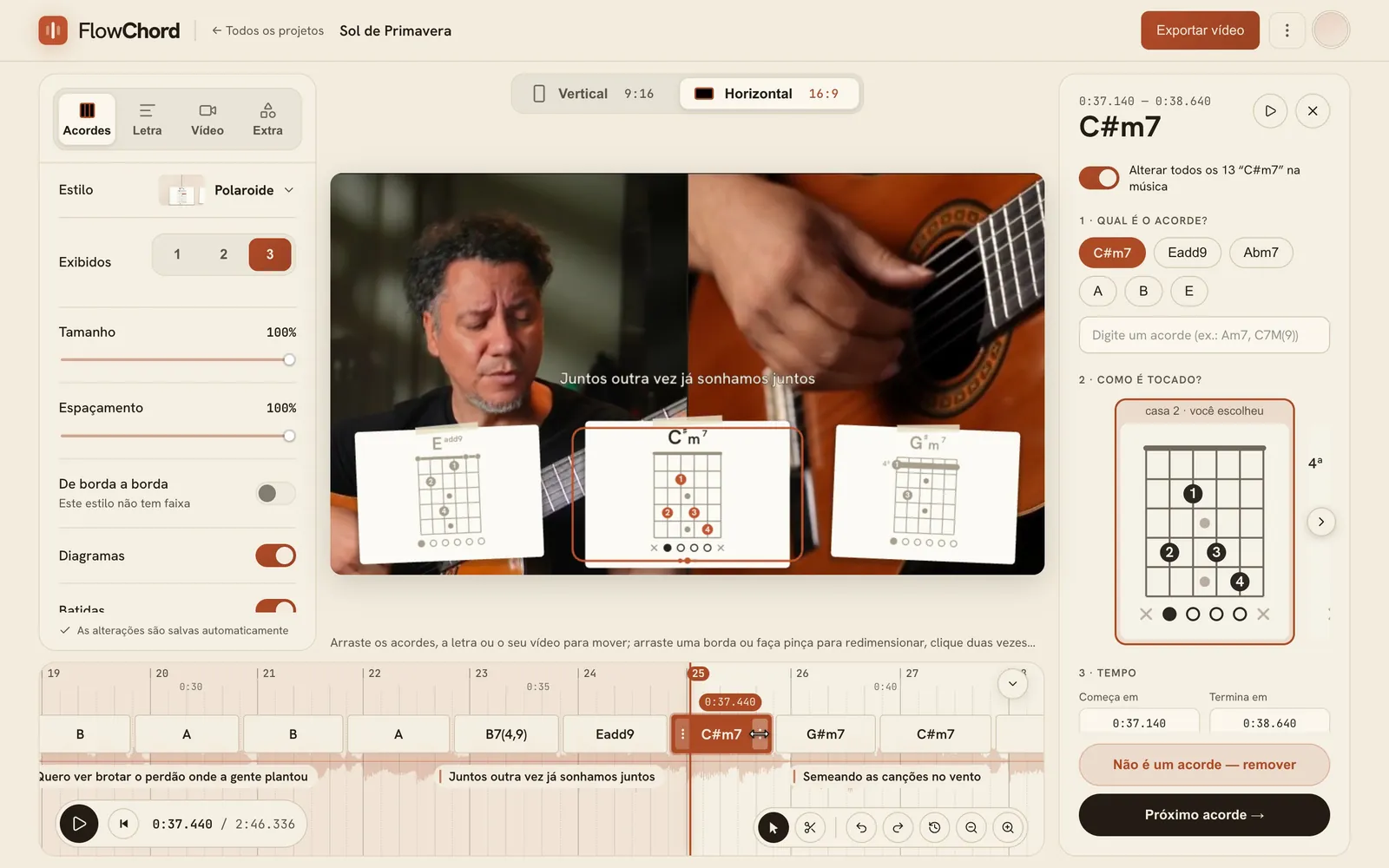
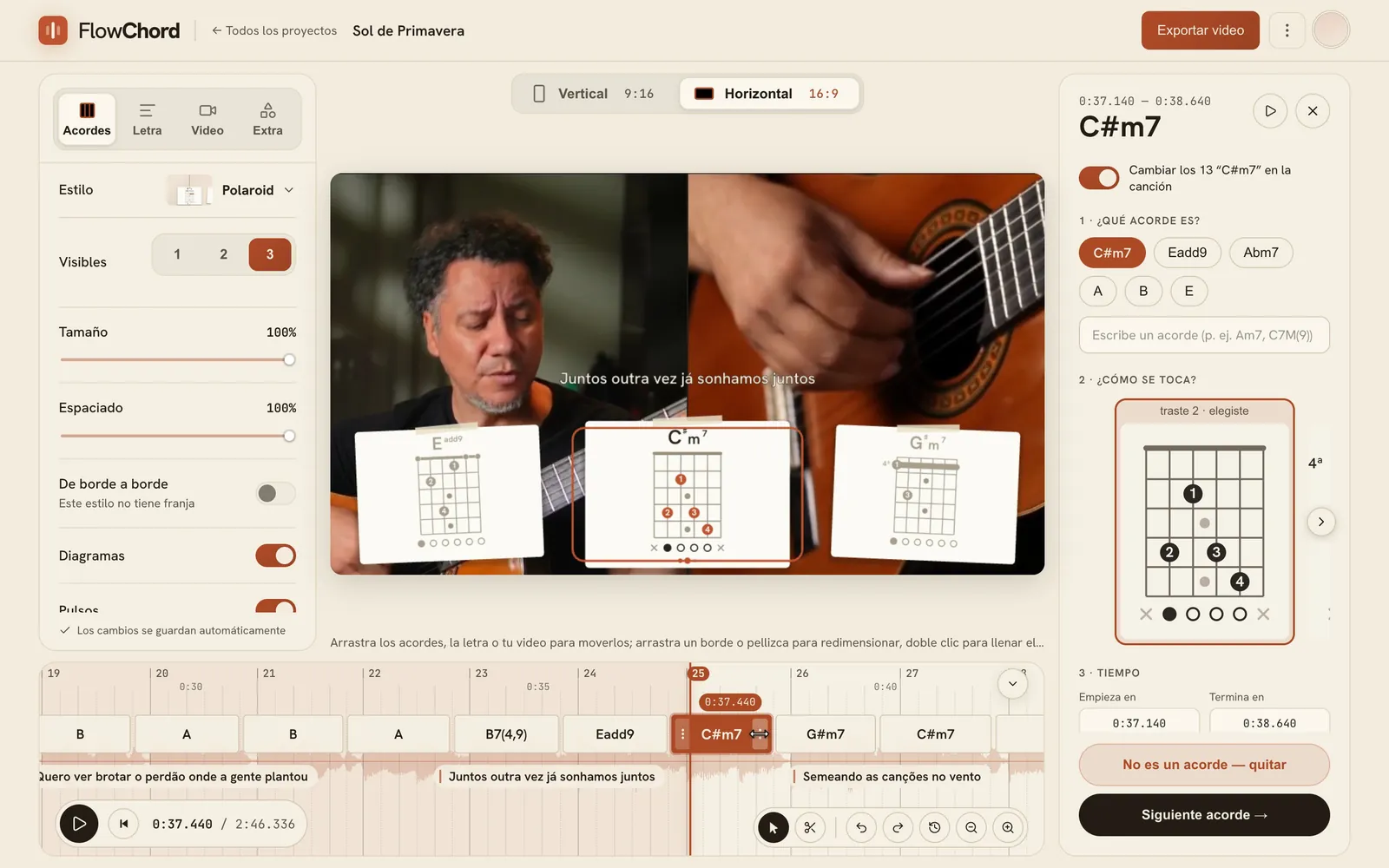
Edit right on the waveform.
Often there is nothing to fix. When there is, you fix it where you hear it: chords, lyric lines and cuts sit on the sound of your take, snap to the beat, and the video follows as you go.


Drag a chord to where it lands
Pick a chord and drag its edge. It snaps to the beat, shows you the bar and the beat, and the video changes with it.
- Beat grid and bar numbers
- Zoom in to the millisecond
- Undo, redo and a full change history
- Keyboard shortcuts
The full timeline is on a computer.
One performance, many looks.
Chords, lyrics and the video each have their own styles, and vertical and horizontal videos keep their own. Switch any time: the timing stays.
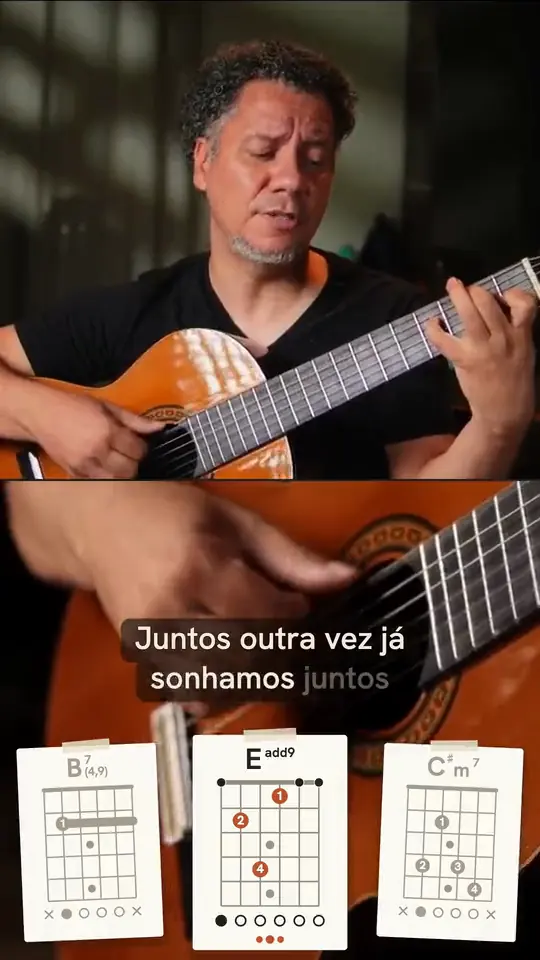
- Drag the chords, the lyrics, the title or the video right on the preview
- Frames, screens and backgrounds for the video
- Chords placed clear of what is in your video
Chord styles
-
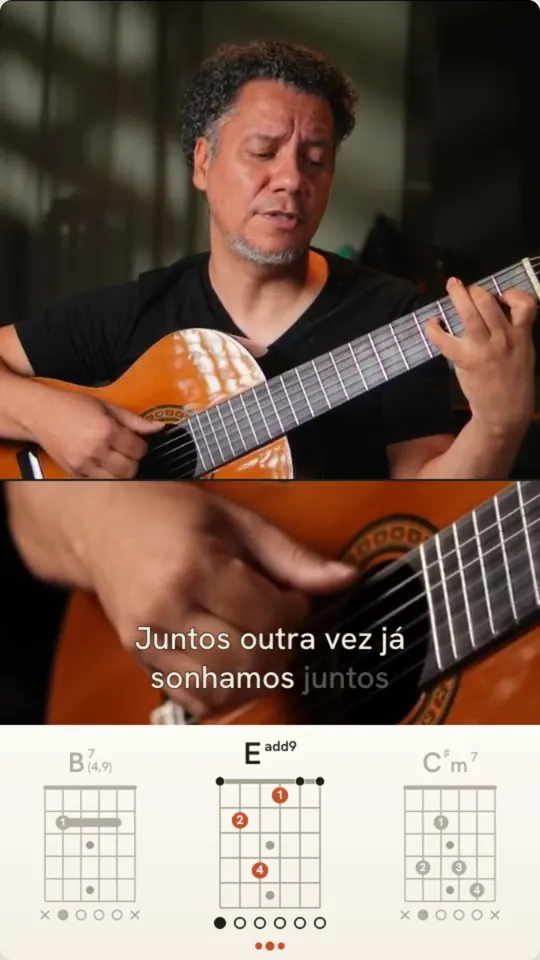
Minimal
Clean type on a flat band. Nothing between the viewer and the chords.
-
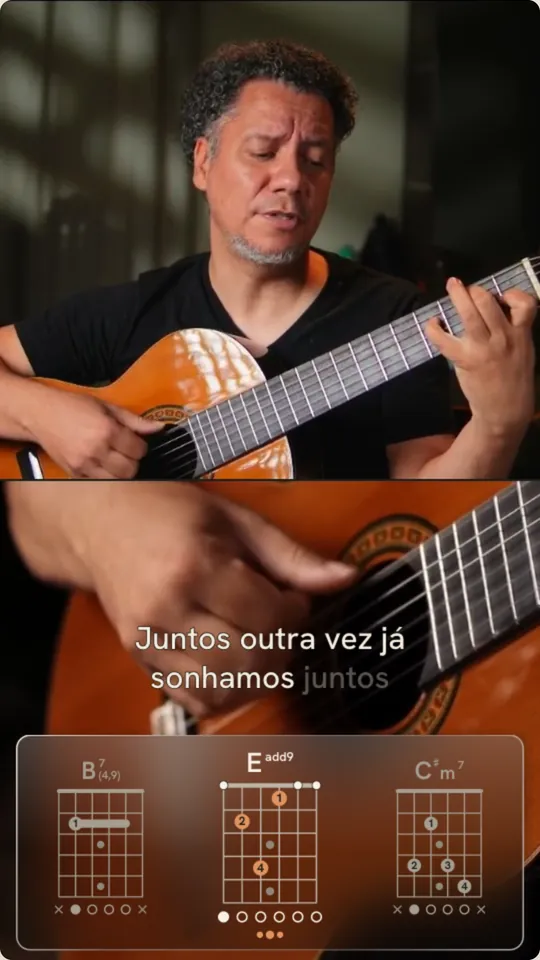
Liquid Glass
A frosted panel that floats over your footage and adapts to light or dark scenes.
-
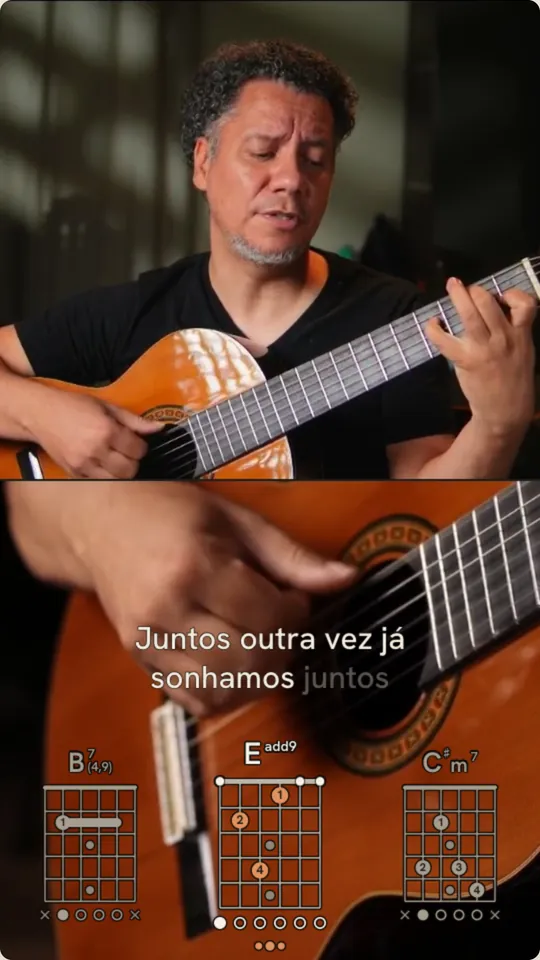
Transparent
No band at all. The chords sit right on your footage, in ink or cream to match it.
-
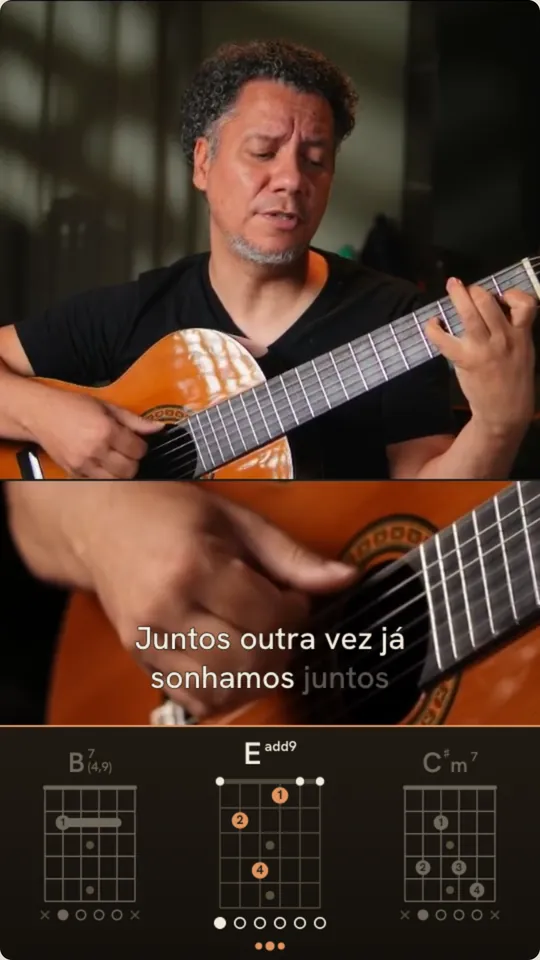
Ink
A dark band with crisp edges and a rust rule. Made for studio-lit clips.
-
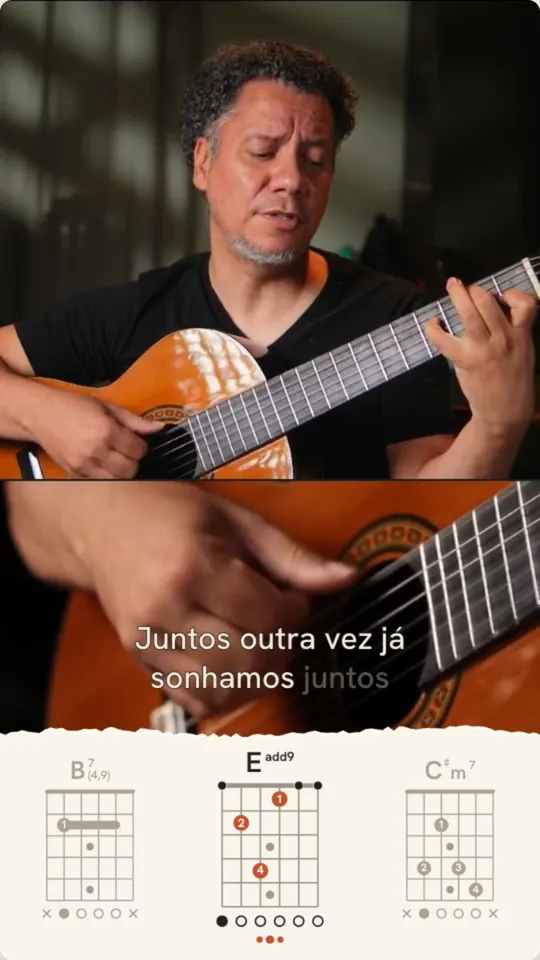
Torn Paper
A torn paper strip, like a chart taped to the mic stand.
- Default
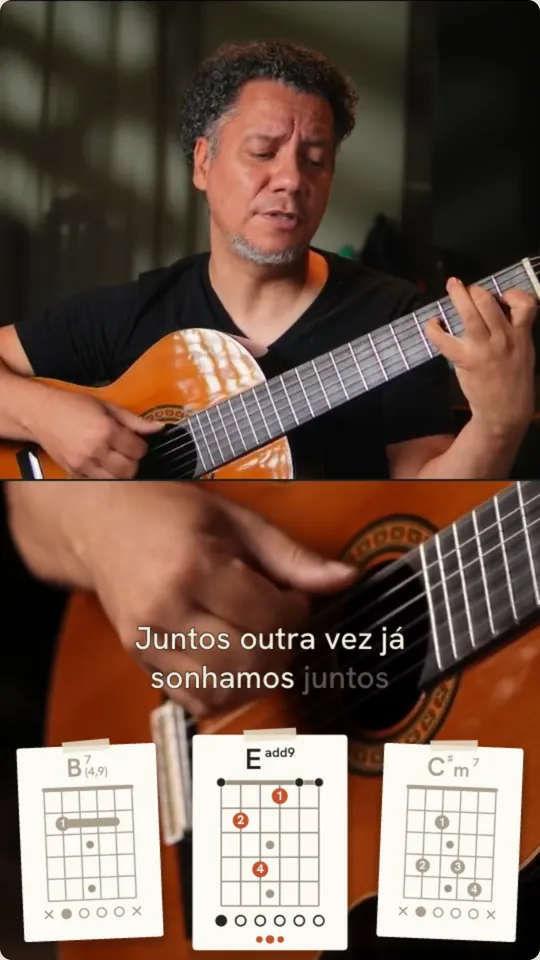
Polaroid
Each chord on its own tilted, taped card.
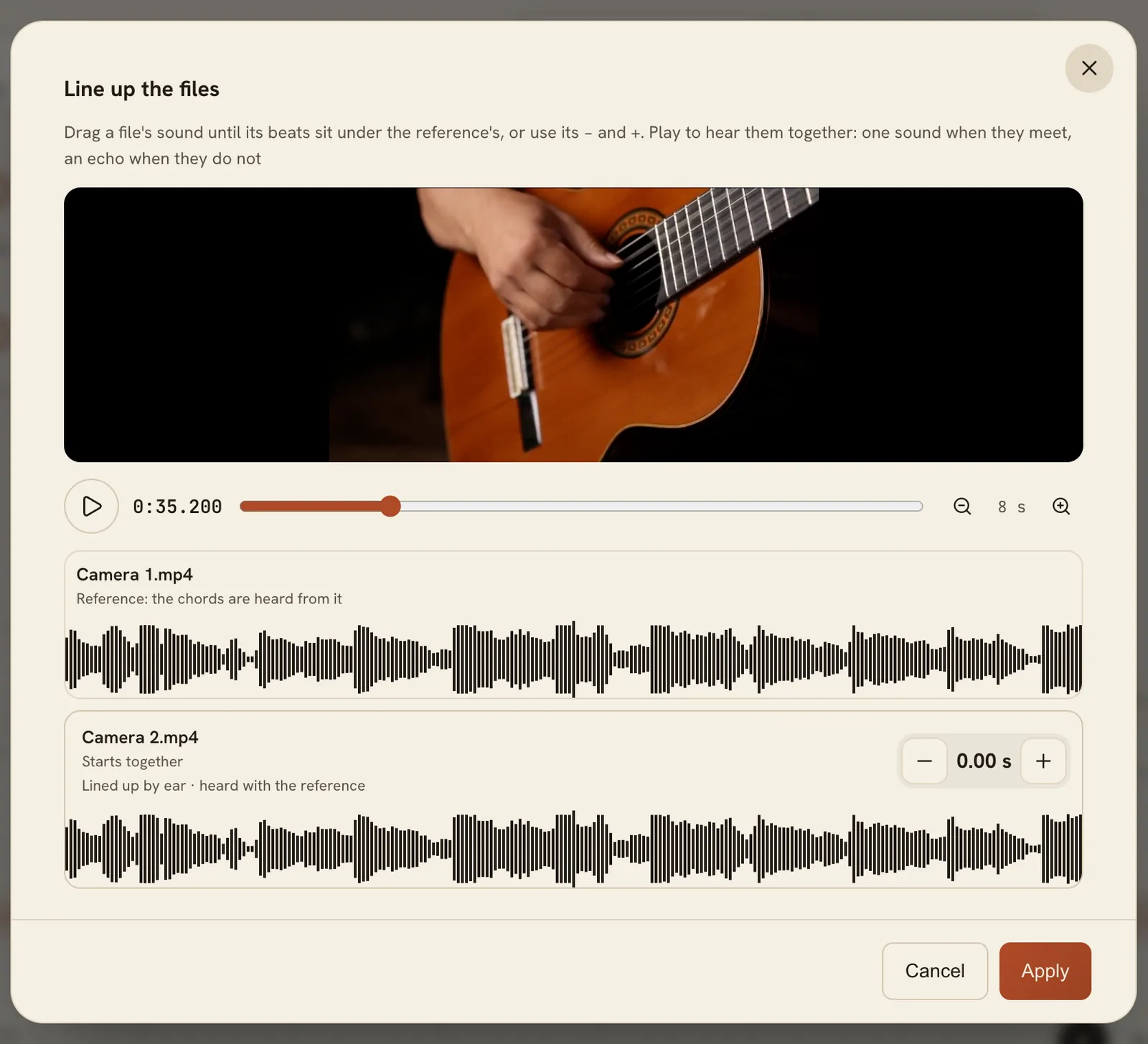
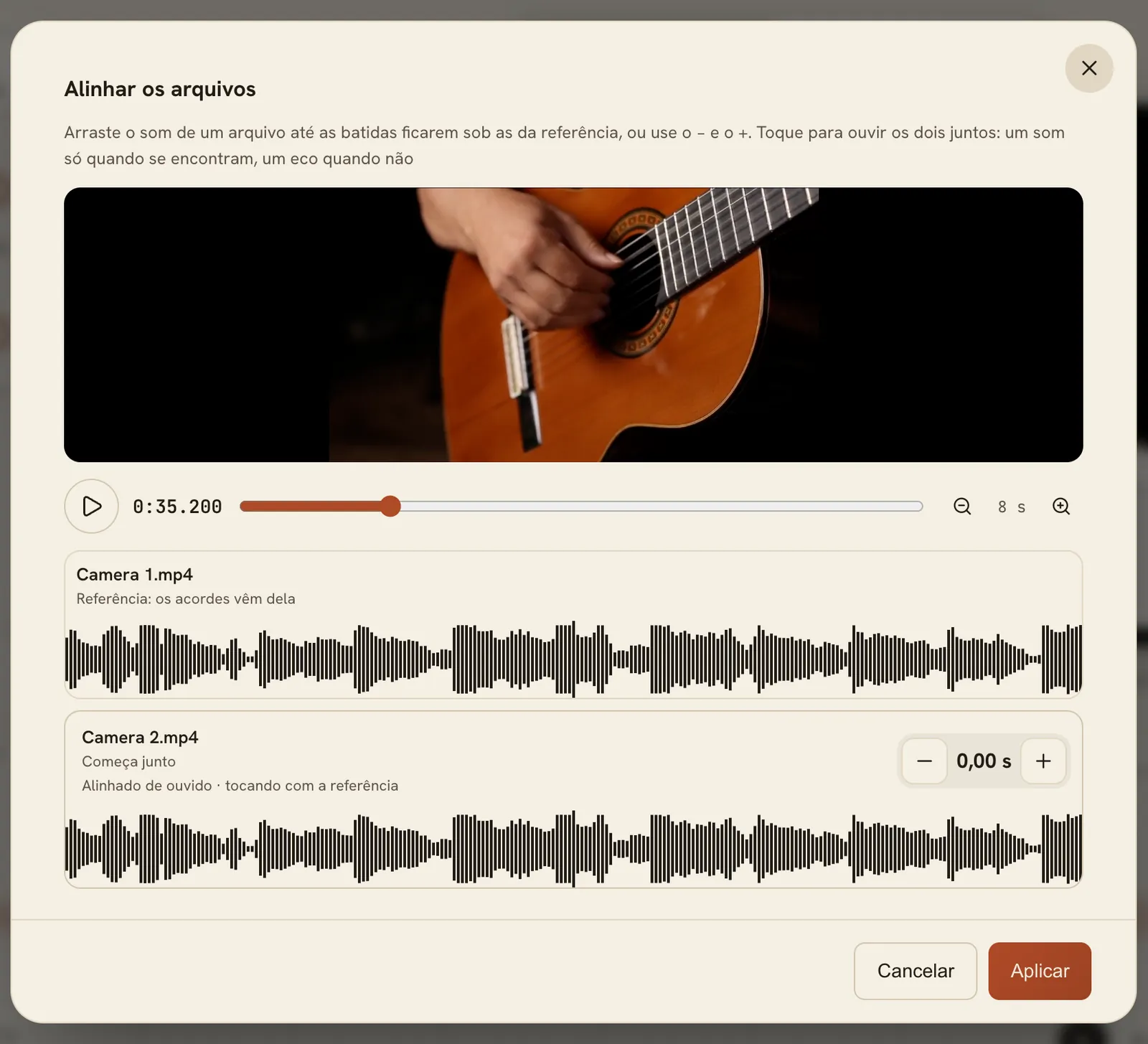
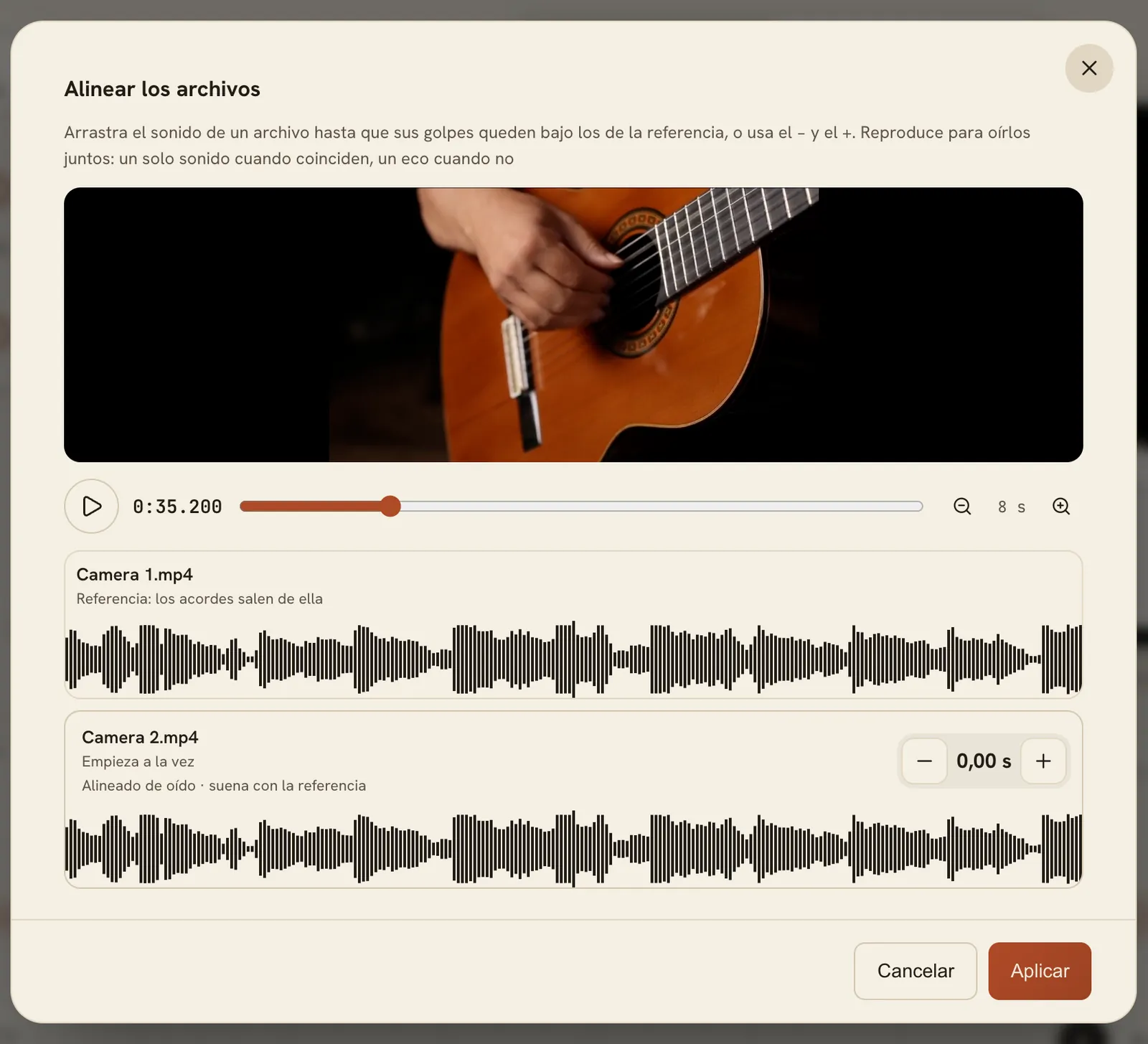
Every camera, one clock.
Add every angle of the same take, and a recorder for the cleanest sound. FlowChord listens to the files in your browser, lines them up by ear, and tells you what it did.
Up to 4 videos and 4 audio files per project, with 2 videos on screen at a time.
- Each file as it was recorded
- FlowChord listens to them once, in your browser
- Each file in its place, on one clock
The finishing touches, built in.
Give the song a title card, add your own text and pictures, and put the video in a frame or on a background. Everything comes in and goes out on its own timing.


From your takes to a ready-to-post video
Four steps. FlowChord does the listening; you decide how it looks.
-
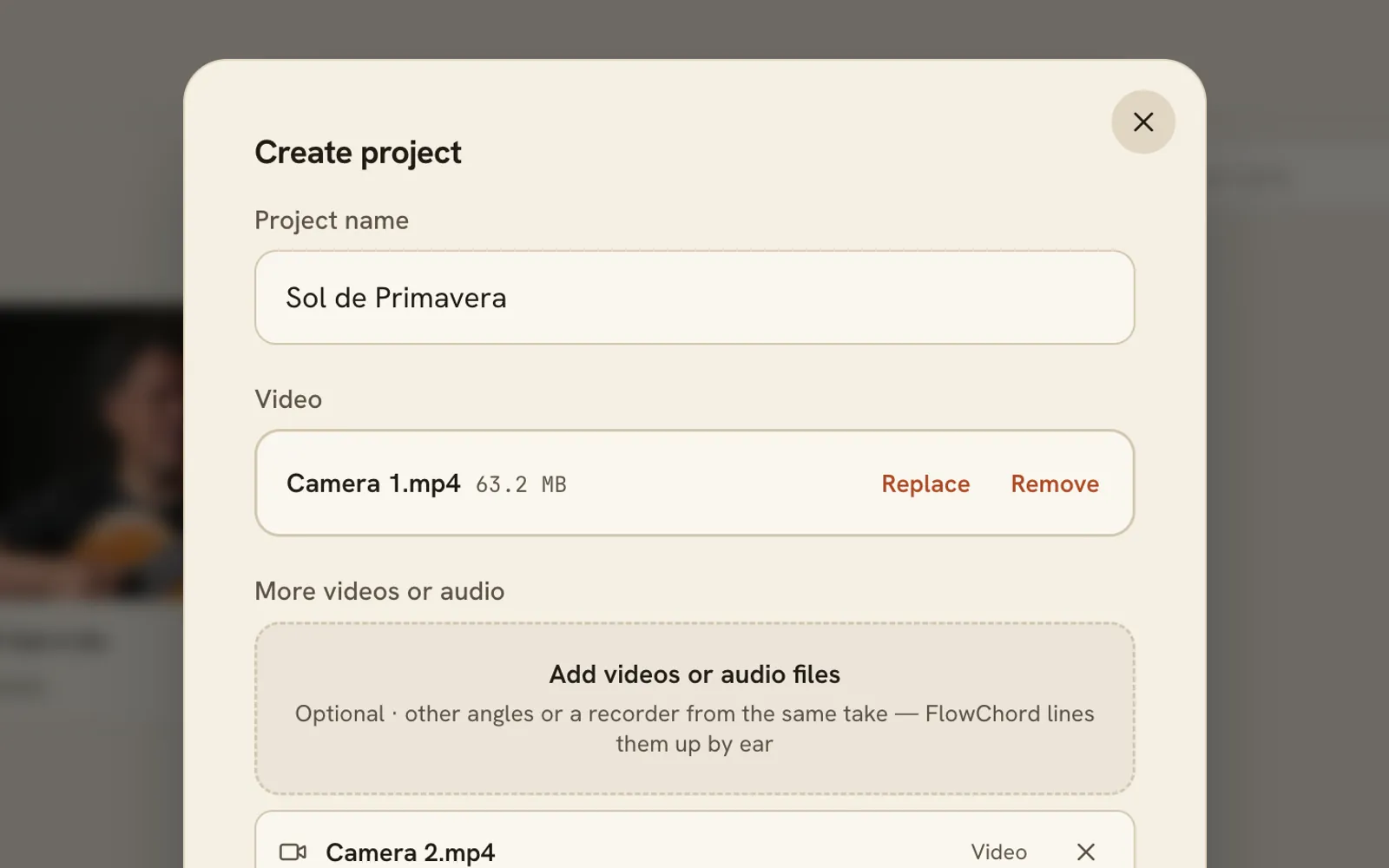
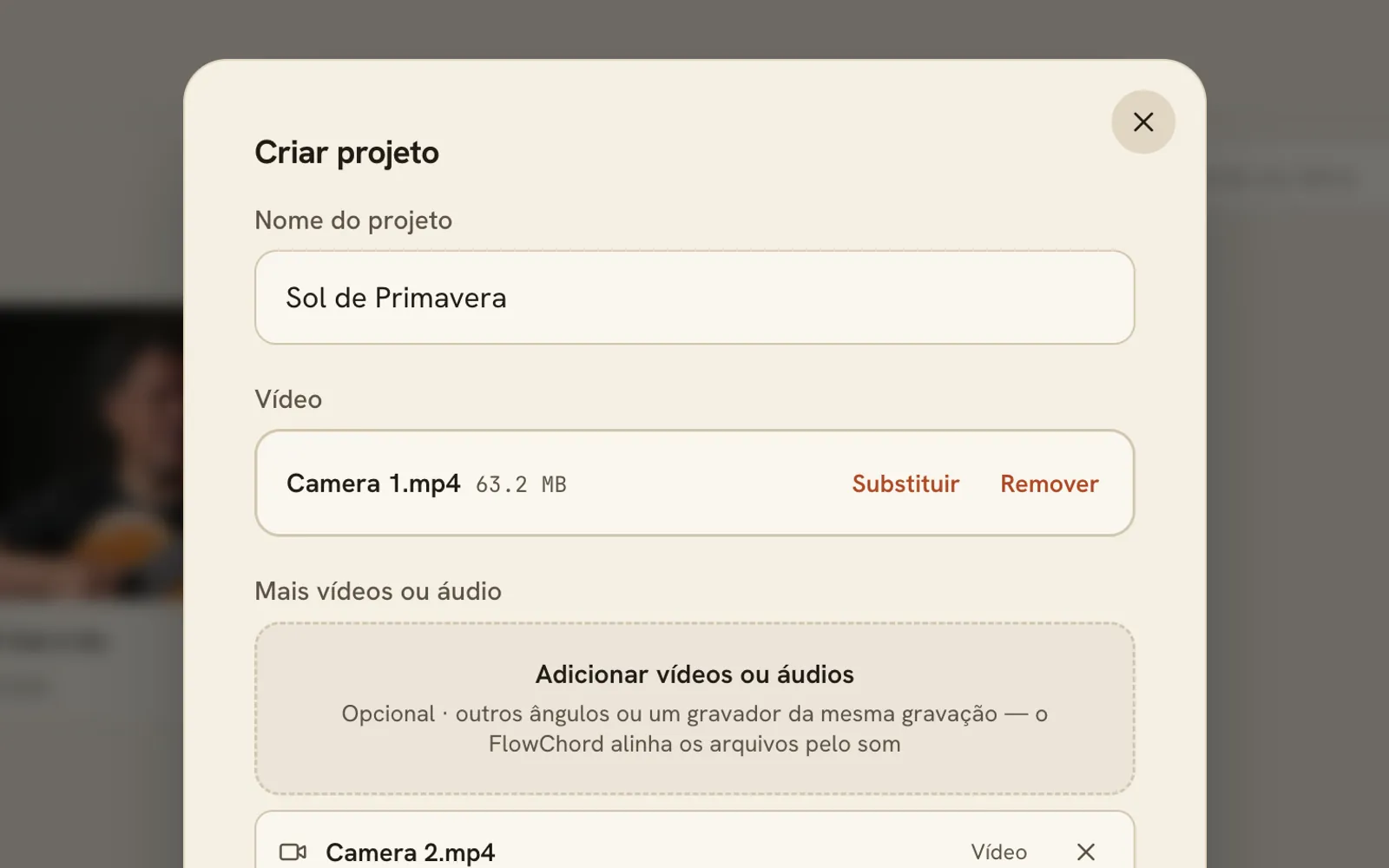
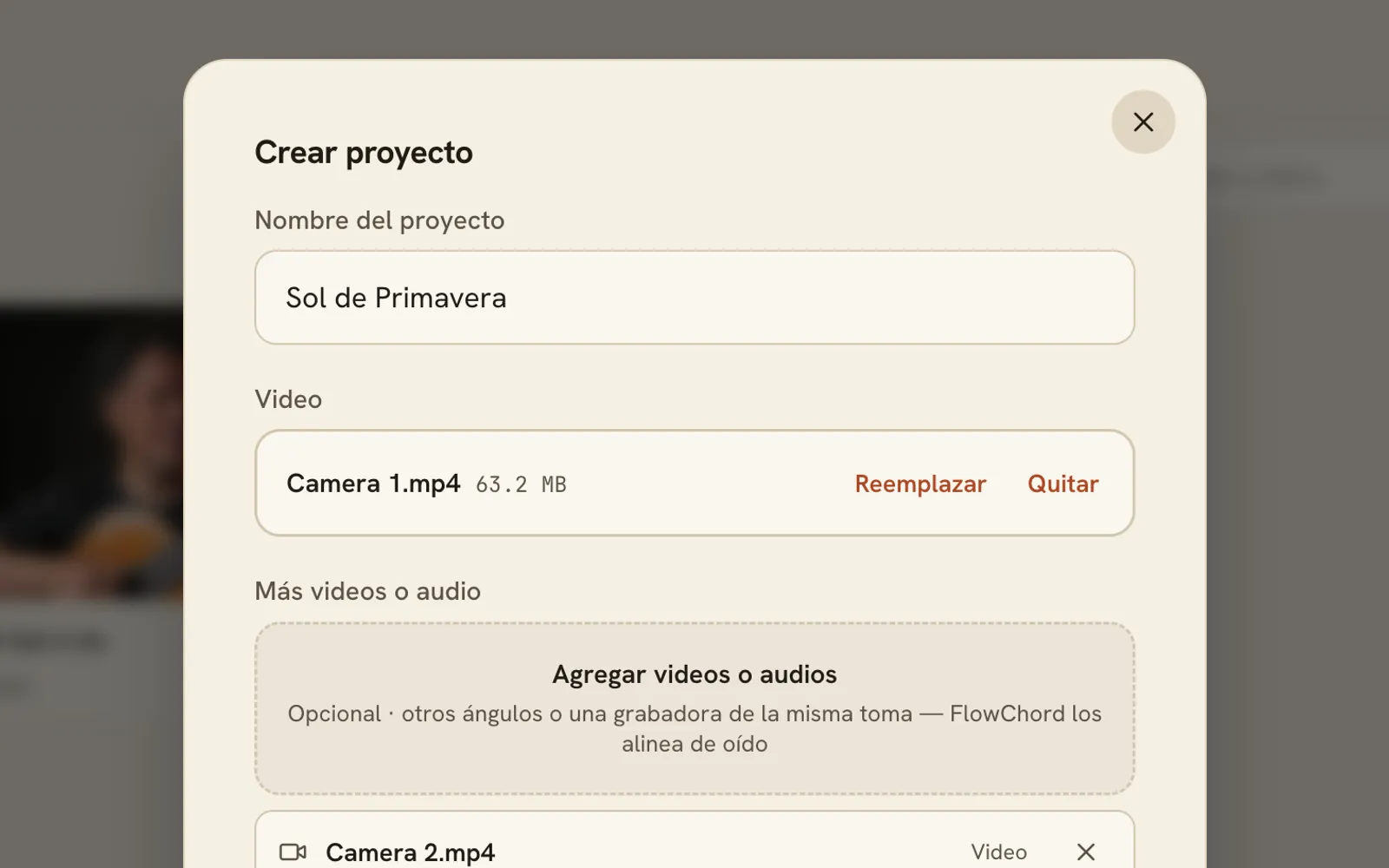
Add your files
A video of you playing, more angles if you have them, and a recorder for the best sound. Every file is made smaller in your browser before it uploads.
-
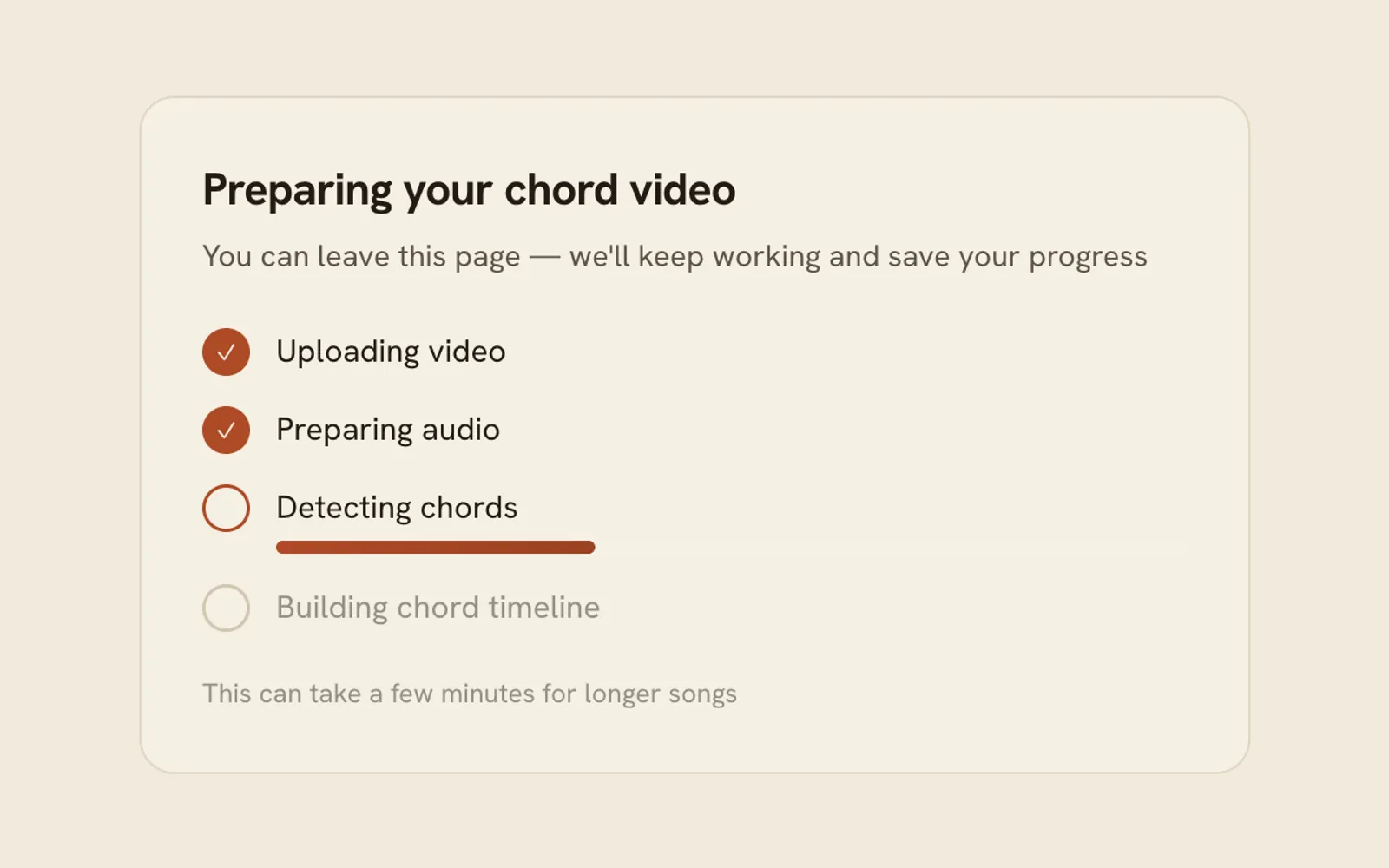
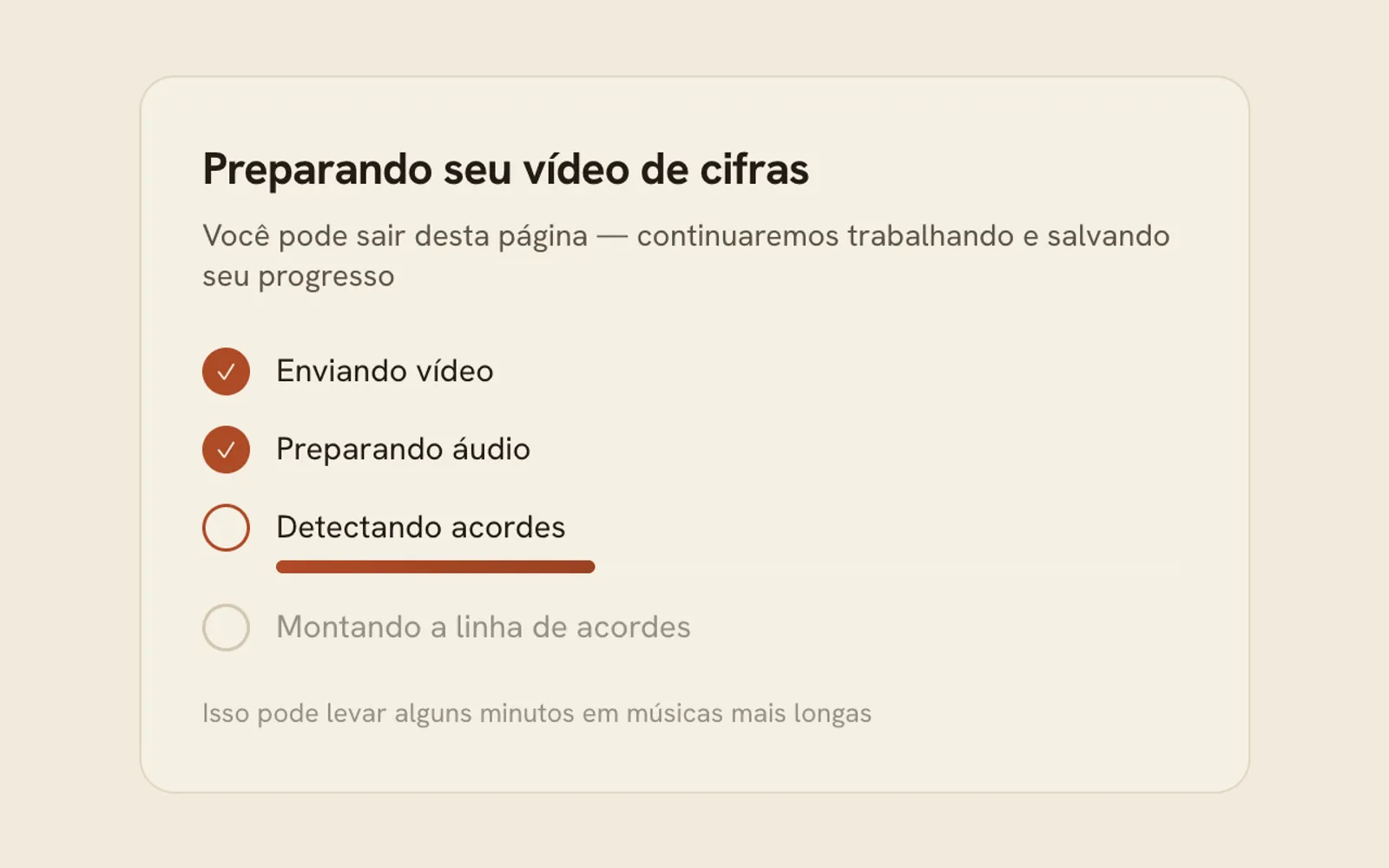
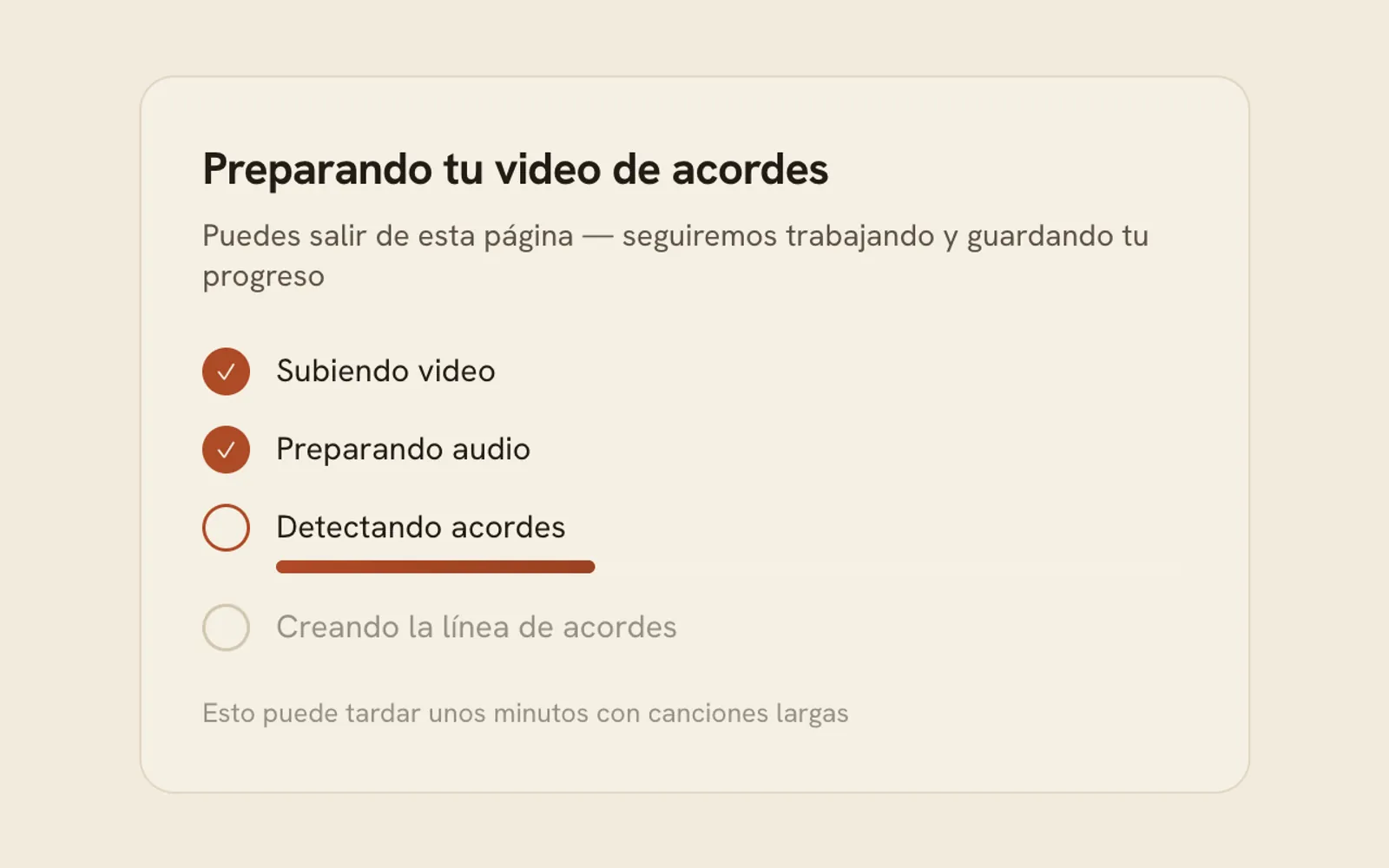
FlowChord listens
It finds the chords and the lyrics and lines your files up. A restart it is sure of comes out as a cut.
-
Check it, style it
Often there is nothing to fix. When there is, fix it on the timeline. Then pick the look.
-
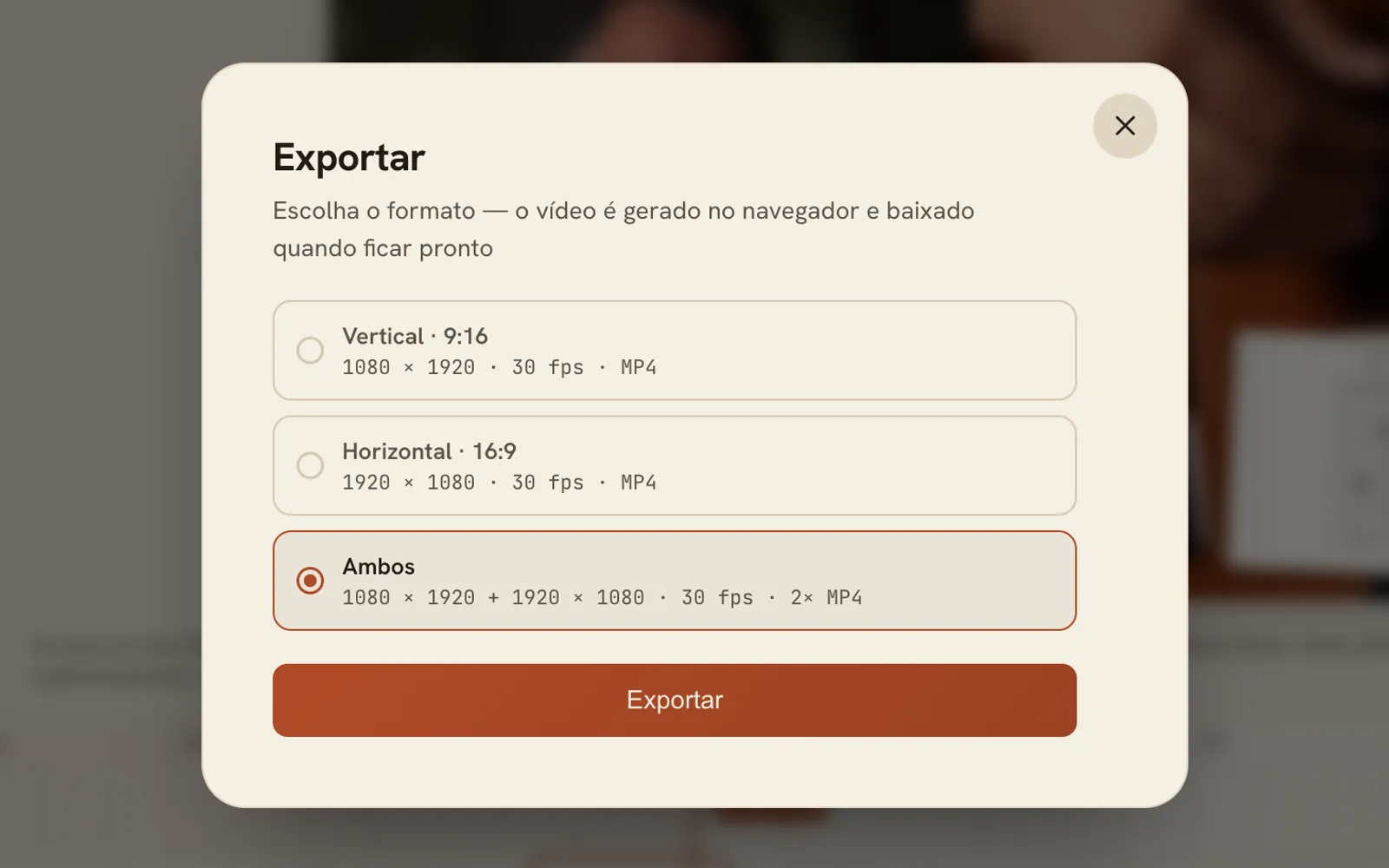
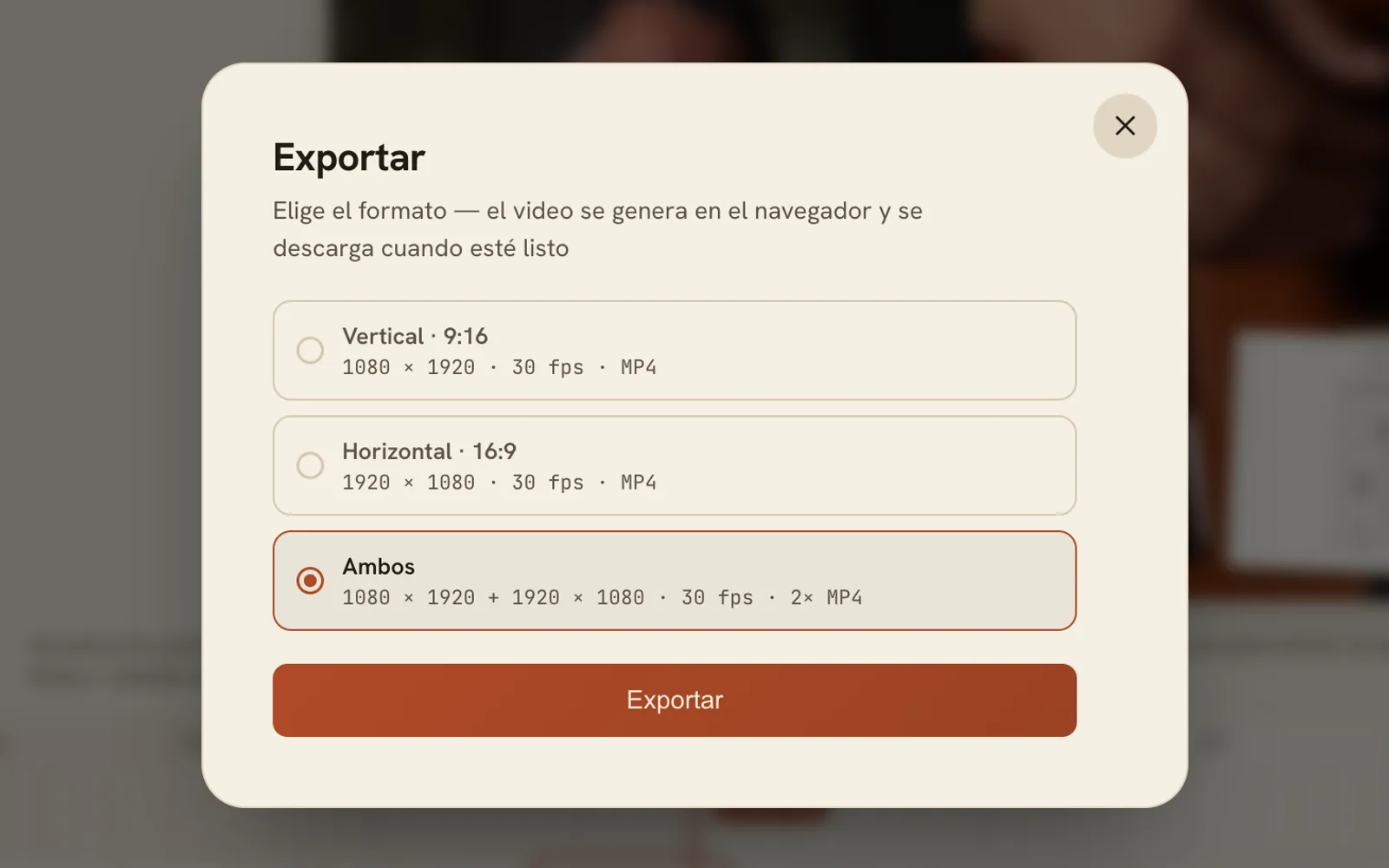
Export and post
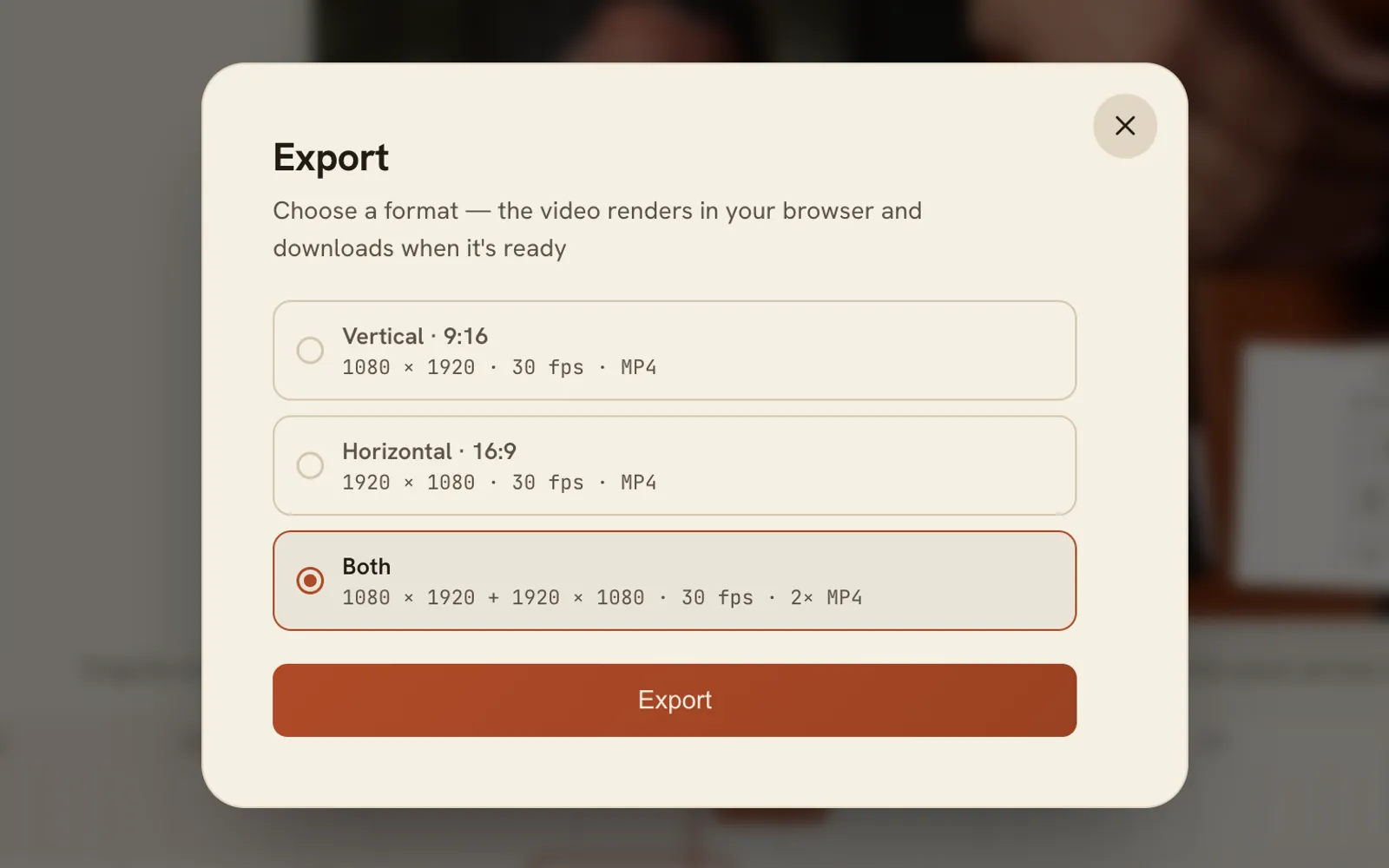
Vertical, horizontal or both, at 1080p and 30 fps, with no watermark.
We are releasing soon. Be the first to know.
Sign up for updates and special offers. We will email you the day FlowChord opens.
One email when we open, plus the occasional offer. Unsubscribe any time.
Questions
FlowChord is in early access. If you have an invite code, click Sign in, enter the code and you are in. If not, join the waitlist and we will email you when it opens.
No. Film with whatever you already use, then upload the files: MP4, WebM or MOV up to 5 minutes, and audio from a recorder if you have one.
Yes. A project takes up to 4 videos and 4 audio files of the same take, with 2 videos on screen at a time. FlowChord lines them up by ear when you create the project, and you can move any file by hand.
Only when it is sure: a phrase broken off and played again. It tells you what it cut, and each cut is an ordinary cut on your timeline that you can move or put back. Anything less certain is left alone.
Detection works from the audio. Often the whole song comes out right and you go straight to export. When a chord is off, pick it on the timeline, choose the right one, and the fix can apply to that chord everywhere in the song.
Chords, lyrics and the video each have their own styles, and vertical and horizontal videos keep their own settings. Export is an MP4 at 1080p and 30 fps in 9:16, 16:9 or both, with no watermark.
Guitar, acoustic or electric. The chord diagrams are drawn for six strings in standard tuning. Other instruments and tunings are on the roadmap.
We haven't set prices yet. Early users will get exclusive lifetime benefits.
Soon. We are letting people in with invite codes while we finish the first release. Join the waitlist and we will send one email the day it opens.